Tools
replaces Todoist
Vikunja
A clean, fast to-do and project manager, with the frontend and API bundled into a single container. A good, low-stakes first project if you're new to this.
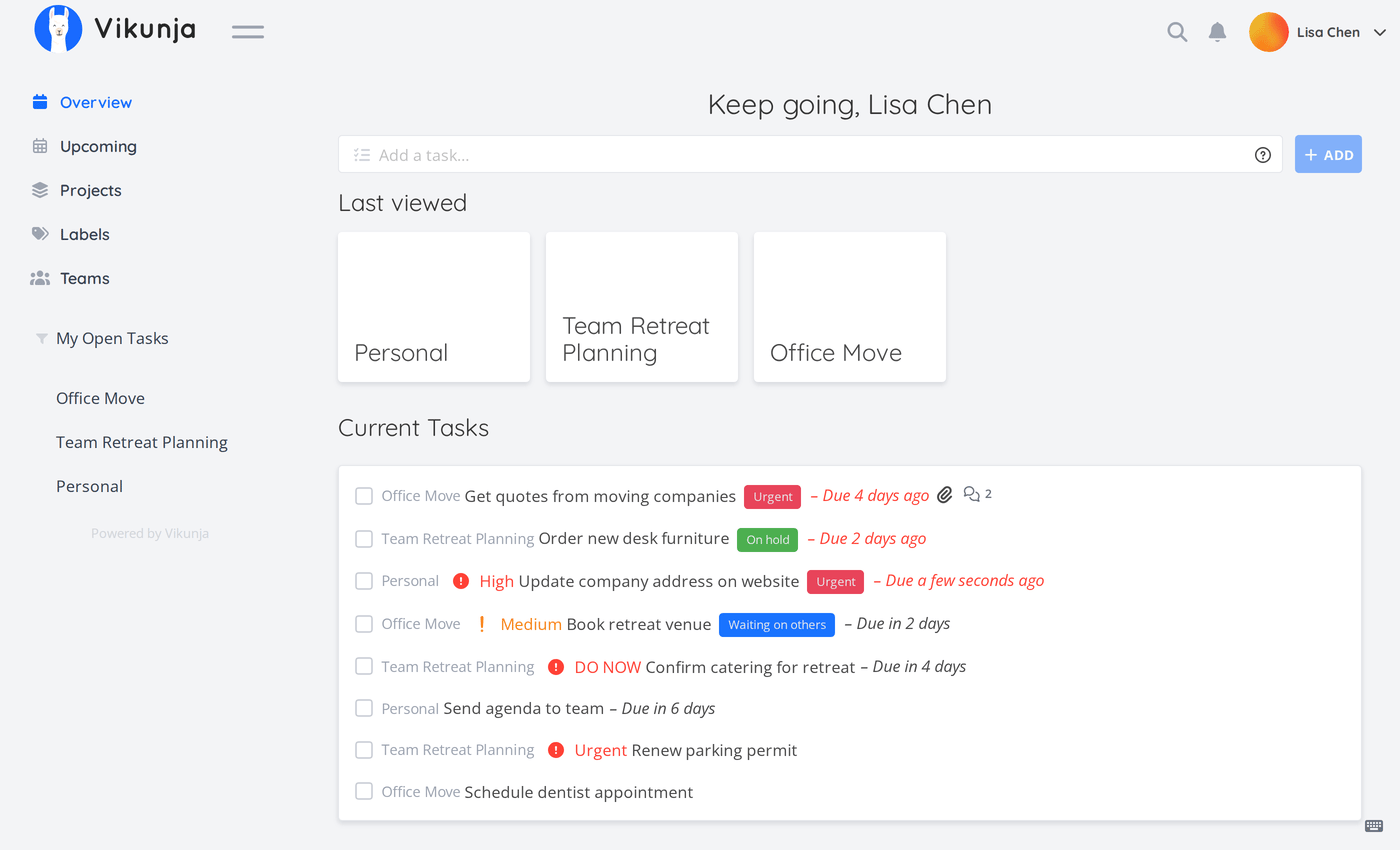
This assumes you've already done the base setup: a server, SSH access, a firewall, and Docker installed.
Prepare two folders
Vikunja's container runs as a specific, unprivileged user (UID 1000), not root, and won't fix folder permissions for you. Create the folders it needs and hand them over before the first start:
mkdir files db
chown 1000 files db
Skipping this step is the most common reason uploads and attachments silently fail to save.
Write the compose file
vikunja joins the shared web network instead of publishing its own port, so it can sit behind a reverse proxy; the domains and HTTPS deep dive covers why every tool guide on this site does this.
services:
  vikunja:
    image: vikunja/vikunja
    security_opt:
      - no-new-privileges:true
    environment:
      VIKUNJA_SERVICE_PUBLICURL: https://YOUR-PUBLIC-URL
      VIKUNJA_DATABASE_HOST: db
      VIKUNJA_DATABASE_PASSWORD: changeme
      VIKUNJA_DATABASE_TYPE: postgres
      VIKUNJA_DATABASE_USER: vikunja
      VIKUNJA_DATABASE_DATABASE: vikunja
      VIKUNJA_SERVICE_SECRET: REPLACE-WITH-A-GENERATED-SECRET
    volumes:
      - ./files:/app/vikunja/files
    depends_on:
      db:
        condition: service_healthy
    restart: unless-stopped
    networks:
      - default
      - web
  db:
    image: postgres:18
    security_opt:
      - no-new-privileges:true
    environment:
      POSTGRES_PASSWORD: changeme
      POSTGRES_USER: vikunja
    volumes:
      - ./db:/var/lib/postgresql
    restart: unless-stopped
    healthcheck:
      test: ["CMD-SHELL", "pg_isready -h localhost -U $$POSTGRES_USER"]
      interval: 2s
      start_period: 30s

networks:
  web:
external: trueopenssl rand -hex 32. Losing or changing it later logs every user out at once, so store it somewhere safe rather than regenerating it casually.Note that VIKUNJA_DATABASE_HOST is set to db, the name of the database service just below it in the same file. If you ever rename one, rename the other to match, this is a common copy-paste mistake.
Start it and wire it into the shared reverse proxy
Run docker compose up -d. This site uses one Caddy instance for the whole server, not one per app, and every tool guide points back to the same setup rather than each showing its own. If you haven't set it up yet, the domains and HTTPS deep dive is the canonical walkthrough, including the exact port and Caddyfile block for every tool on this site. Once it's running, connect Vikunja with one block in the shared Caddyfile:
tasks.yourdomain.com {
    reverse_proxy vikunja:3456
}
Then reload it: docker compose restart caddy in the proxy's folder.
Register your account
Visit your domain. There's no setup wizard and no default account: use the normal "Register" form to create your own first account.
Lock the door behind you
Add VIKUNJA_SERVICE_ENABLEREGISTRATION: false to the environment section and run docker compose up -d again. Otherwise anyone who finds the URL can register their own account.
Install the apps
Both connect with your server URL and login. There's also a newer, cross-platform desktop and mobile app from the same project, but it's explicitly labeled alpha by its own developers. For a first setup, stick to the official store apps above.
Before you rely on this
- Back up two things: the
filesfolder (just copy it), and a database dump (pg_dump -U vikunja -h localhost vikunja > vikunja-backup.sql, run from inside the db container). - There's no separate admin panel to lock down the way some of the other tools here have. Access control is per-user, so the main thing to get right early is disabling open registration once your own account exists.
More tools
Ready for the next one?
Every guide here assumes you've already completed the base setup: server, firewall, and Docker.